 LIVE 4K
SuperSport & BeIN
LIVE 4K
SuperSport & BeIN
International Football
Senegal vs. Egypt & AFCON Matches
Sadio Mané and Mohamed Salah live in 4K 60fps on SuperSport and BeIN Sports feeds.
Get your streamking iptv subscription live on any device in minutes. Step-by-step instructions for every major platform — Fire Stick, Android, Smart TV, iOS, Windows, and more.








We officially recommend IPTV Smarters Pro as the primary streamking iptv app. It's free, cross-platform, and provides the best experience for accessing SuperSport, TV Cine5, King of Sat, and all 20,000+ channels.
The official recommended streamking iptv app. Available on Android, iOS, Fire Stick, Android TV, and PC. Free to download, supports Xtream Codes and M3U.
Premium Android and Android TV player with the best EPG interface. Ideal for Fire Stick users who want an advanced TV-style guide for SuperSport and other channels.
The top choice for Apple iPhone, iPad, and Apple TV users. Supports both M3U playlists and Xtream Codes API for streamking iptv credential login.
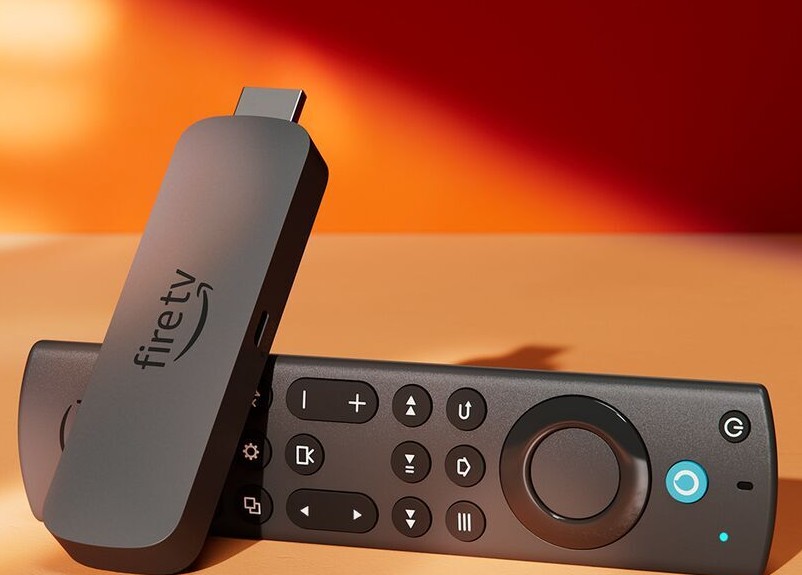
On your Fire Stick, go to Settings → My Fire TV → Developer Options → and toggle on "Apps from Unknown Sources". This allows you to sideload IPTV apps that aren't in the Amazon store.
From the Fire Stick home screen, search for "Downloader" in the Amazon Appstore and install it. This free app lets you download APK files directly to your Fire Stick device.
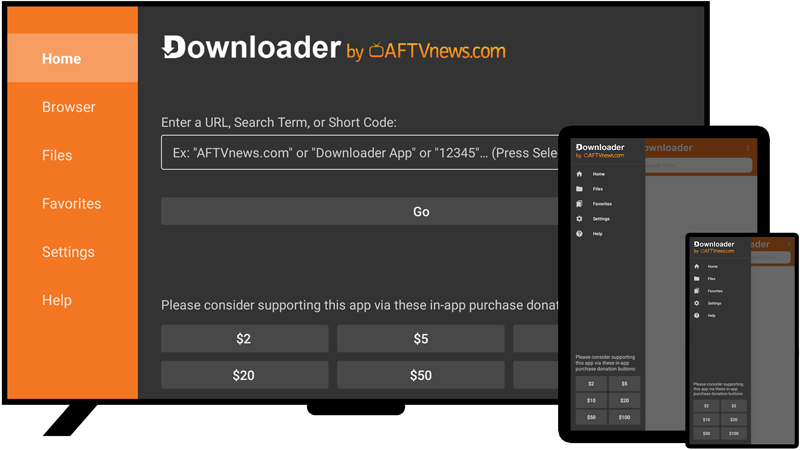
Open Downloader and enter the URL for IPTV Smarters Pro APK. Alternatively, search "IPTV Smarters Pro" in the Amazon Appstore — if available in your region, install it directly from there.
Open IPTV Smarters Pro and select "Login with Xtream Codes API". Enter your streamking iptv server URL, username, and password — all provided by WhatsApp within minutes of subscribing.
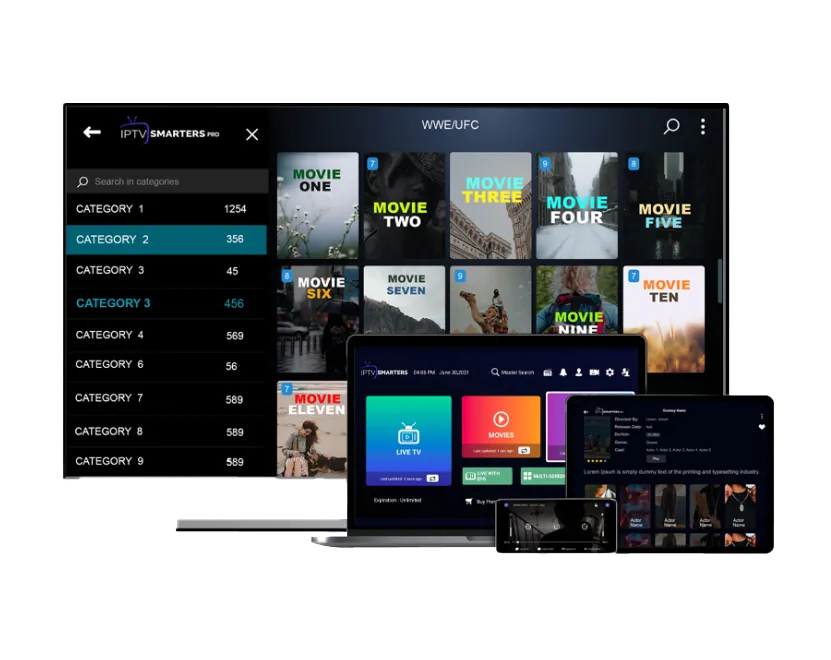
The app will load your complete channel list including all SuperSport channels, TV Cine5, King of Sat feeds, and the full 50,000+ VOD library. Browse to any channel and start streaming immediately in 4K.
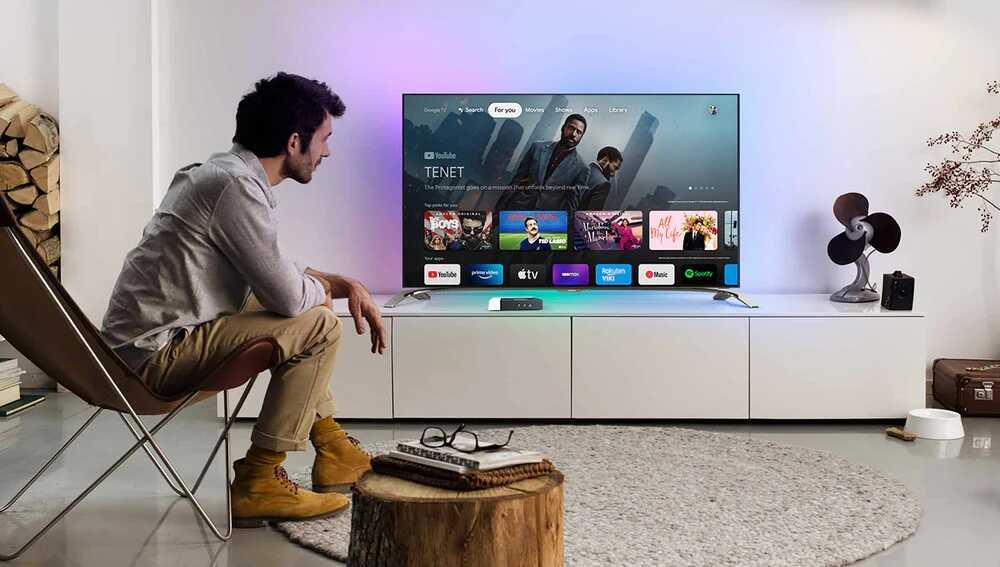
Open the Google Play Store on your Android device and search for "IPTV Smarters Pro" or "TiviMate". Both are free to download (TiviMate has a free version). Install your preferred app.
Launch IPTV Smarters Pro. On the main screen, choose "Login with Xtream Codes API" for the easiest streamking iptv setup. Alternatively, choose "Add Playlist" if you prefer to use your M3U URL.
Input the server URL, username, and password from your streamking iptv welcome message. If using M3U, paste your personal M3U playlist URL into the designated field.
Your full channel list will load automatically. Navigate to Live TV to find SuperSport, TV Cine5, King of Sat, and thousands of other channels. The Movies and Series sections give you access to the complete VOD library.
Open the Google Play Store on your Android TV. Search for "IPTV Smarters" or "GSE Smart IPTV". Install and log in with your streamking iptv credentials exactly as described in the Android guide above.
Search "Smart IPTV" or "SS IPTV" in the Samsung Smart Hub App Store. After installation, send your streamking iptv M3U URL via the Smart IPTV website portal to load all channels onto your Samsung TV.
Access the LG Content Store and search for "SS IPTV" or "Smart IPTV for LG". Follow the same M3U activation process — enter your streamking iptv M3U link through the service's web portal to populate your channel list.
If your specific Smart TV model isn't covered here, contact our 24/7 WhatsApp support team. We'll guide you through the exact steps for your TV model and ensure SuperSport, TV Cine5, and King of Sat are all accessible.
Open the Apple App Store and search for "GSE Smart IPTV" or "IPTV Smarters Pro". Both are available for iPhone, iPad, and Apple TV. GSE Smart IPTV is our top recommendation for iOS streamking iptv users.
In GSE Smart IPTV, tap "Remote Playlists" then the "+" icon. Select "M3U URL" and paste your personal streamking iptv M3U link. Or select "Xtream API" to enter your server URL, username, and password directly.
Once loaded, your full streamking iptv channel list appears. Navigate to the Sports category for all SuperSport channels, Movies for TV Cine5 content, and the International section for King of Sat satellite feeds.
Once set up, instant access to international football derbies, NBA court action, and championship tournaments is unlocked.
LIVE 4K
SuperSport & BeIN
Sadio Mané and Mohamed Salah live in 4K 60fps on SuperSport and BeIN Sports feeds.
 50 FPS 4K
Sky & TNT Sports
50 FPS 4K
Sky & TNT Sports
Every weekend matchday streamed live in 4K with English and multi-language commentary.
 LIVE HD
NBA TV & ESPN
LIVE HD
NBA TV & ESPN
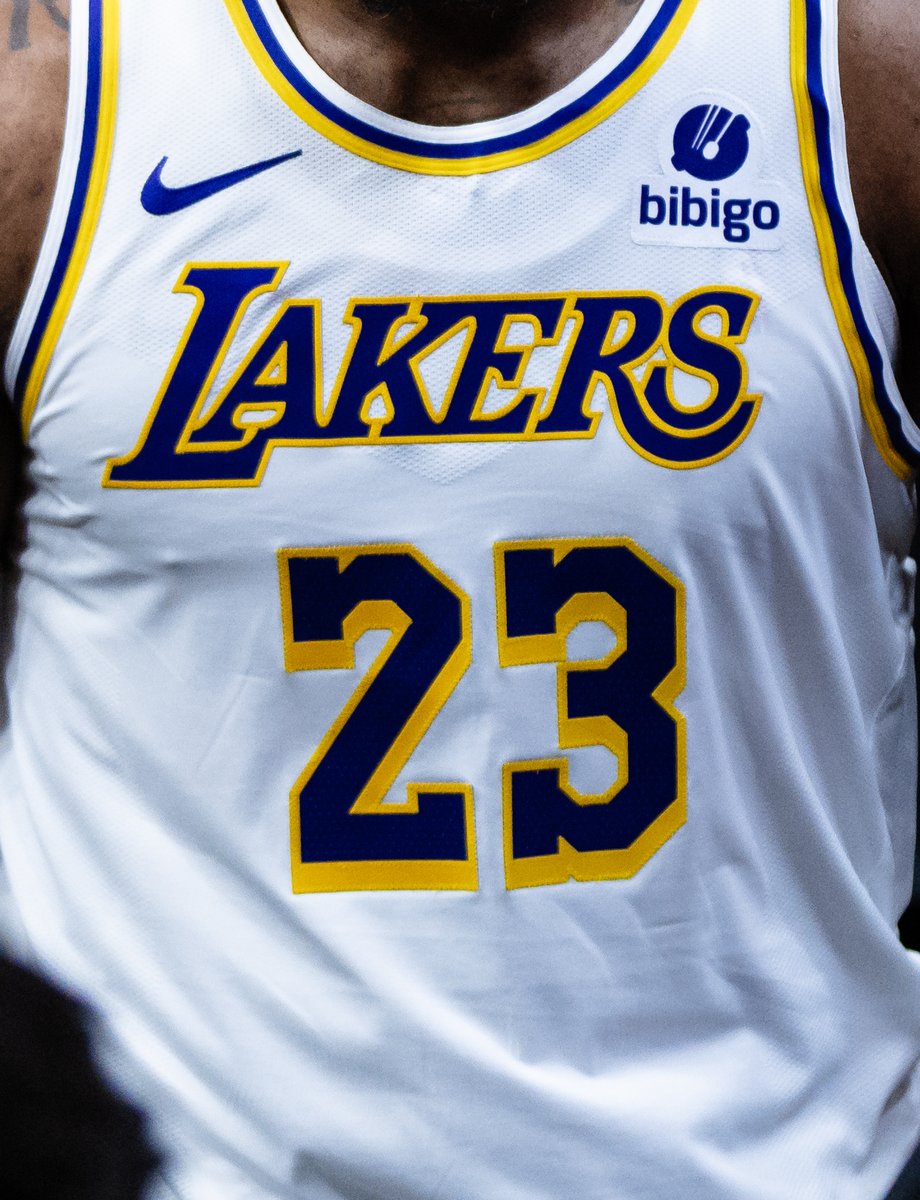
Live NBA coverage from regular season tip-off to the NBA Finals on NBA TV and ESPN.
Your setup includes on-demand access to cinema blockbusters, award-winning series, and anime with full subtitles.
 SERIES
4K UHD
SERIES
4K UHD
 MOVIE
4K HDR
MOVIE
4K HDR
 CLASSIC
1080p FHD
CLASSIC
1080p FHD
 ANIME
HD + SUB/DUB
ANIME
HD + SUB/DUB
 ANIME
4K REMASTER
ANIME
4K REMASTER
 OSCAR WINNER
4K UHD
OSCAR WINNER
4K UHD
Once your payment is confirmed, you'll receive your streamking iptv server URL, username, and password via WhatsApp within 2–10 minutes. During peak hours, delivery can sometimes take up to 30 minutes, but our team monitors orders around the clock to ensure prompt delivery.
An M3U URL is a playlist file link that contains all your streamking iptv channel information. When you paste it into a compatible IPTV player app, the app downloads the channel list (including SuperSport, TV Cine5, King of Sat, and all 20,000+ channels) and displays them in an organized interface. Simply copy the URL we provide and paste it into your chosen app's M3U playlist section.
Xtream Codes is the industry-standard login protocol for premium IPTV services. Unlike a simple M3U link, Xtream Codes login (server URL + username + password) provides a more stable, secure connection to streamking's servers. It also enables additional features like VOD browsing categories, catch-up TV, and EPG integration within supported apps. We recommend using Xtream Codes login for the best streamking iptv experience.
If certain SuperSport or other channels aren't appearing, try these steps: (1) Refresh your playlist in the IPTV player app settings. (2) Force close and reopen the app. (3) Check that your subscription tier includes the channels you're looking for. (4) Contact our WhatsApp support — we can immediately verify your account status and push a channel list refresh from our server end. SuperSport issues are usually resolved within minutes.
Advanced users can configure streamking iptv at the router level using pfSense or similar firmware, allowing all connected devices to access the service without individual app setup. However, this requires technical networking knowledge. For most households, individual app setup on each device is simpler and recommended. Contact our support team for advanced configuration assistance.
StreamKing IPTV is compatible with any IPTV player that supports M3U playlist format or Xtream Codes API. This covers the vast majority of IPTV applications available on any major platform. Our streamking iptv servers are fully optimized for IPTV Smarters Pro, providing the fastest channel load times and the most reliable EPG data refresh cycles. When using IPTV Smarters Pro with streamking, SuperSport channel switching occurs in under 2 seconds on most connections.
TiviMate is the preferred streamking iptv app for Fire Stick and Android TV box users who want a premium interface similar to a traditional TV guide. TiviMate's grid EPG view is particularly well-suited for browsing SuperSport's schedule across all channels simultaneously, allowing you to see upcoming matches, current programs, and planned recordings in one view.
Issue 1 — "Authentication Failed": This means your streamking iptv credentials are incorrect. Double-check that you copied the server URL, username, and password exactly as provided without extra spaces. The server URL should include the full protocol prefix (http:// or https://).
Issue 2 — Channels Loading but Video Won't Play: This is usually a codec issue with your IPTV player. In IPTV Smarters Pro, go to Settings → Player and switch between "ExoPlayer" and "VLC" until streams play correctly. Streamking iptv streams are encoded in H.264 and H.265 — both are supported by modern devices.
Issue 3 — SuperSport / TV Cine5 Channels Buffering: Buffering on specific channels like SuperSport live events is almost always caused by insufficient internet bandwidth. For SuperSport 4K streams, you need a sustained 25+ Mbps connection. If buffering persists on a stable connection, contact our WhatsApp support team for a server-side diagnostic.
Issue 4 — EPG (TV Guide) Not Loading: In your IPTV player settings, force a manual EPG refresh. StreamKing's EPG data covers all channels including SuperSport, TV Cine5, and King of Sat entries. If the EPG still doesn't load after 10 minutes, contact support for a direct EPG URL.